How it works

From first question to live website

Answer a few questions, shape your pages, and go live with our UK team beside you.
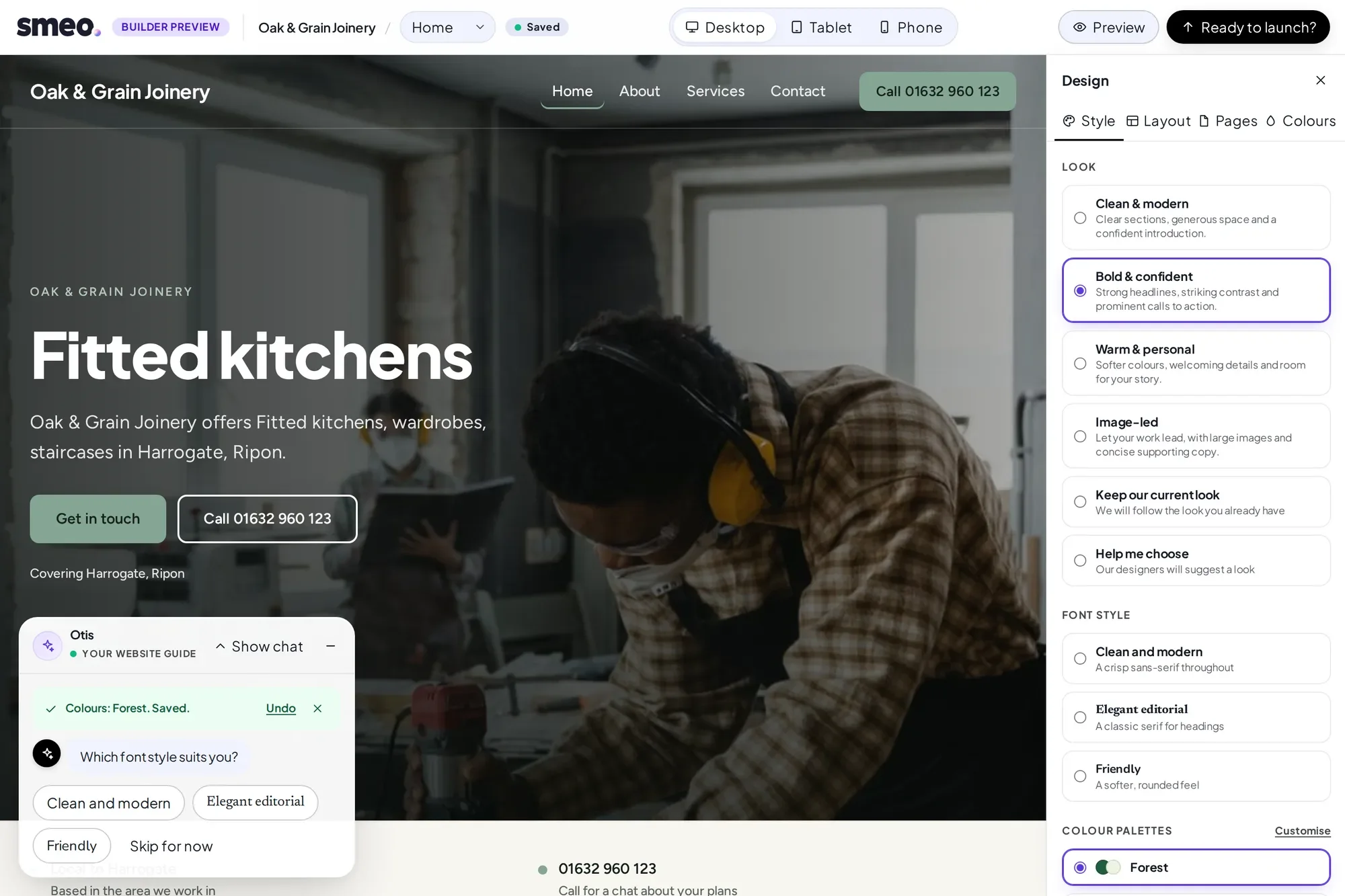
The SMEO builder on a desktop screen: Otis asks the next question in a small card, the Design panel is open, and the live preview shows Oak & Grain Joinery, a made-up business
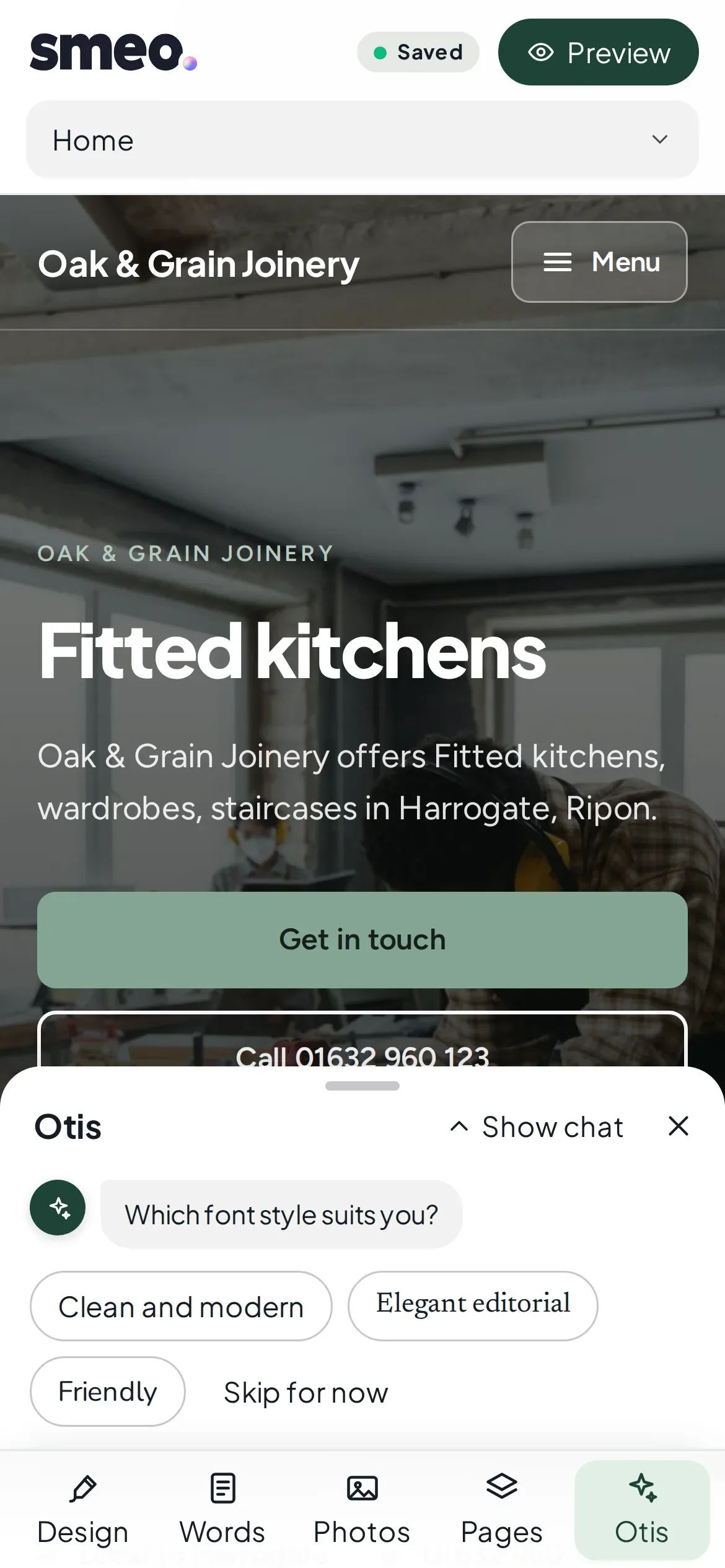
The SMEO builder on a phone, with a question open over the preview of Oak & Grain Joinery, a made-up business

The businesses shown are made up.

Four steps to your website

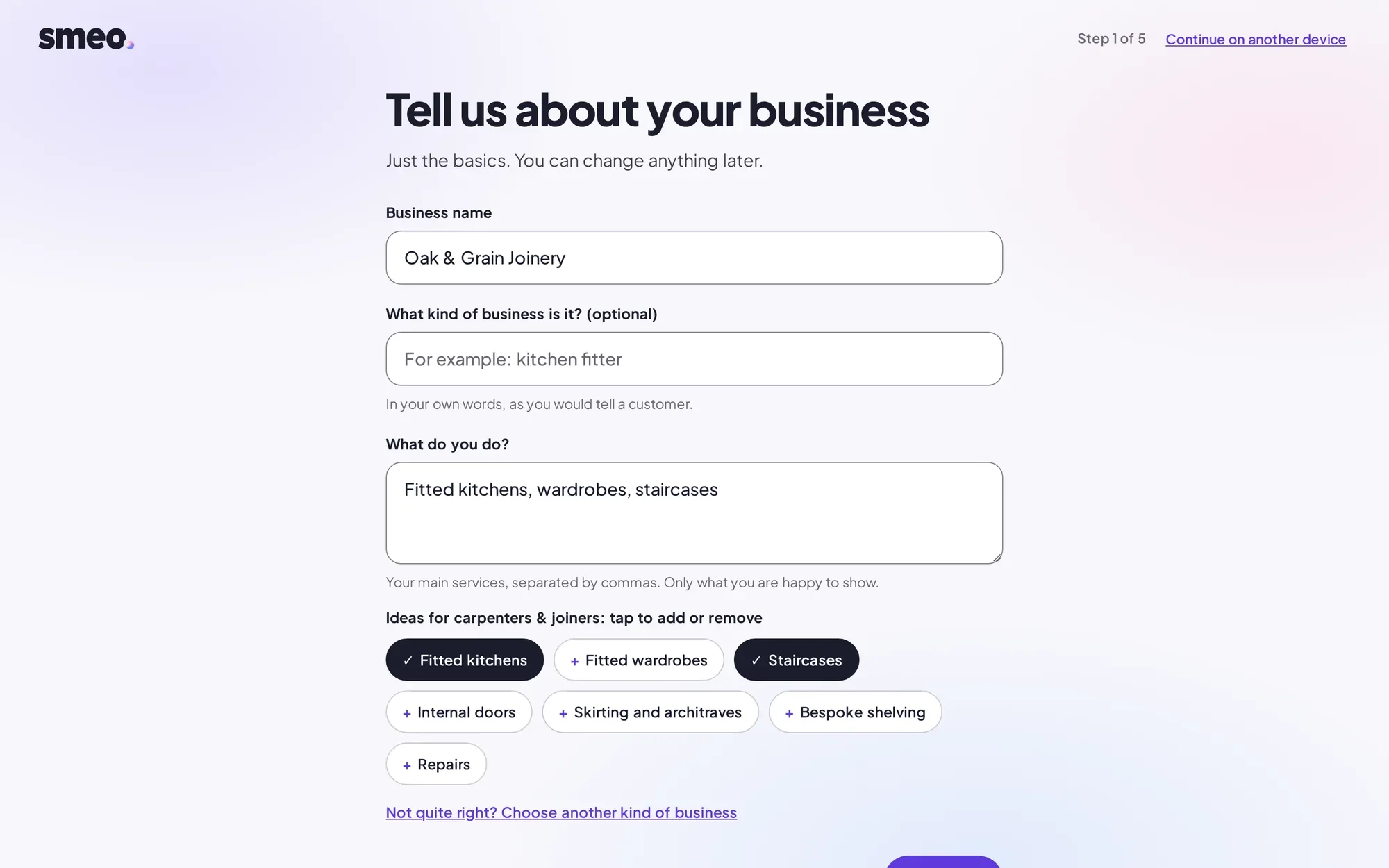
The first step of starting a website in SMEO: Tell us about your business, with the name Oak & Grain Joinery, a made-up business, and its services filled in

1

Tell us about your business

Your name, what you do and where you work.
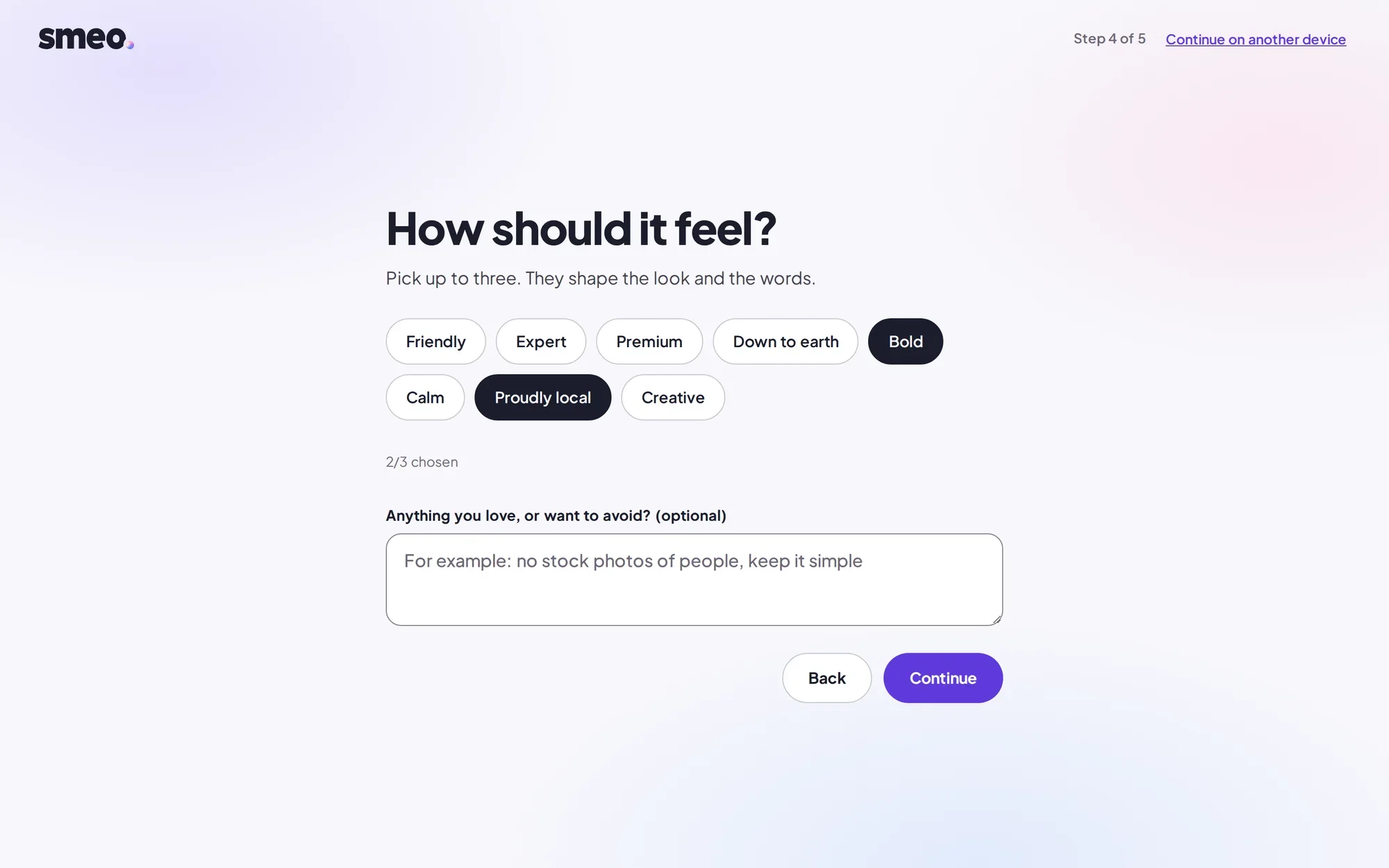
A step of starting a website in SMEO: How should it feel? with Bold and Proudly local chosen

2

Choose how it should feel

Pick up to three words. They shape the look and the wording of your first pages.
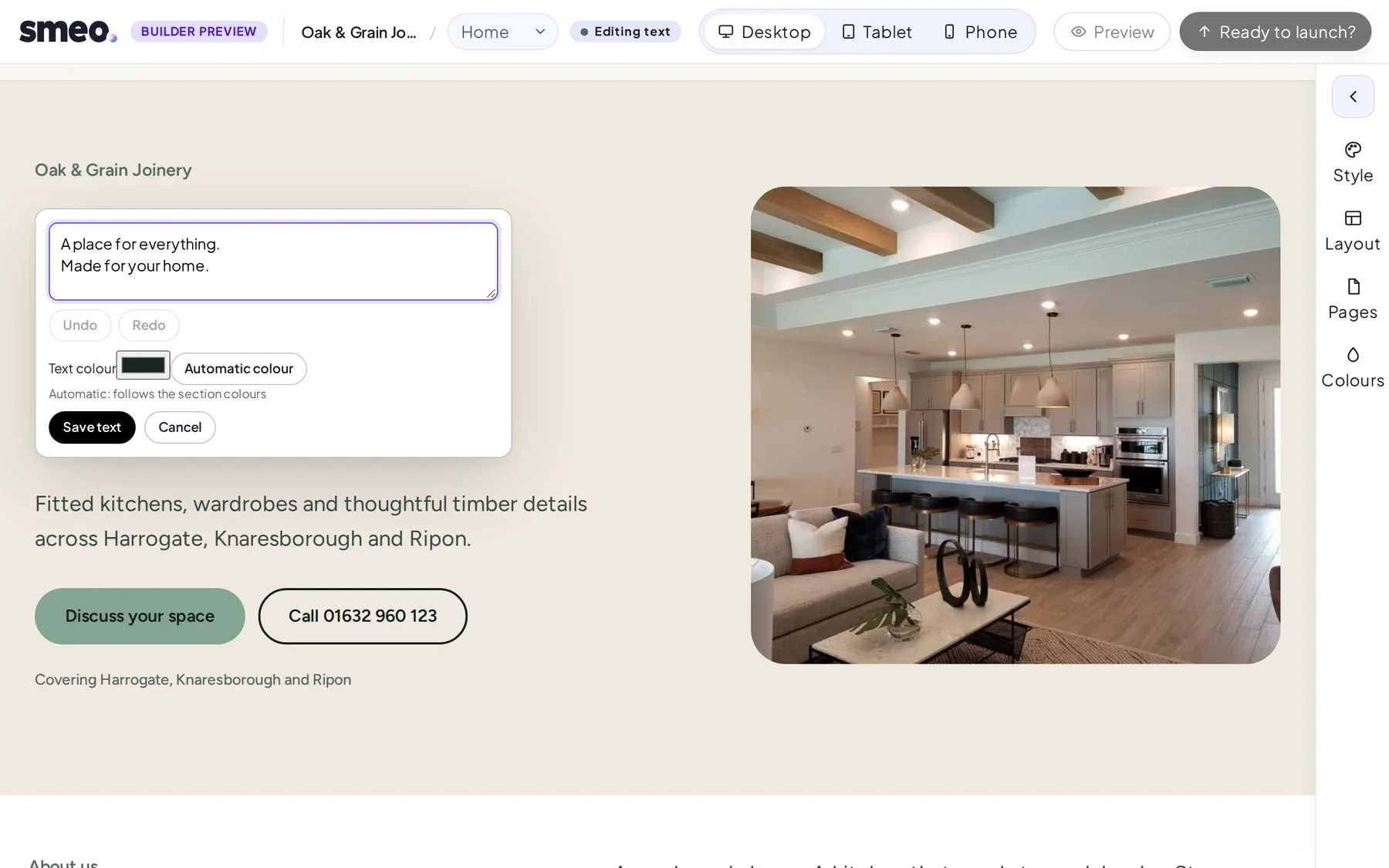
The SMEO builder with a homepage heading selected and its text box open, on the website of Oak & Grain Joinery, a made-up business

3

Make it yours

Select any heading or paragraph to change it. Check it on desktop, tablet and phone.
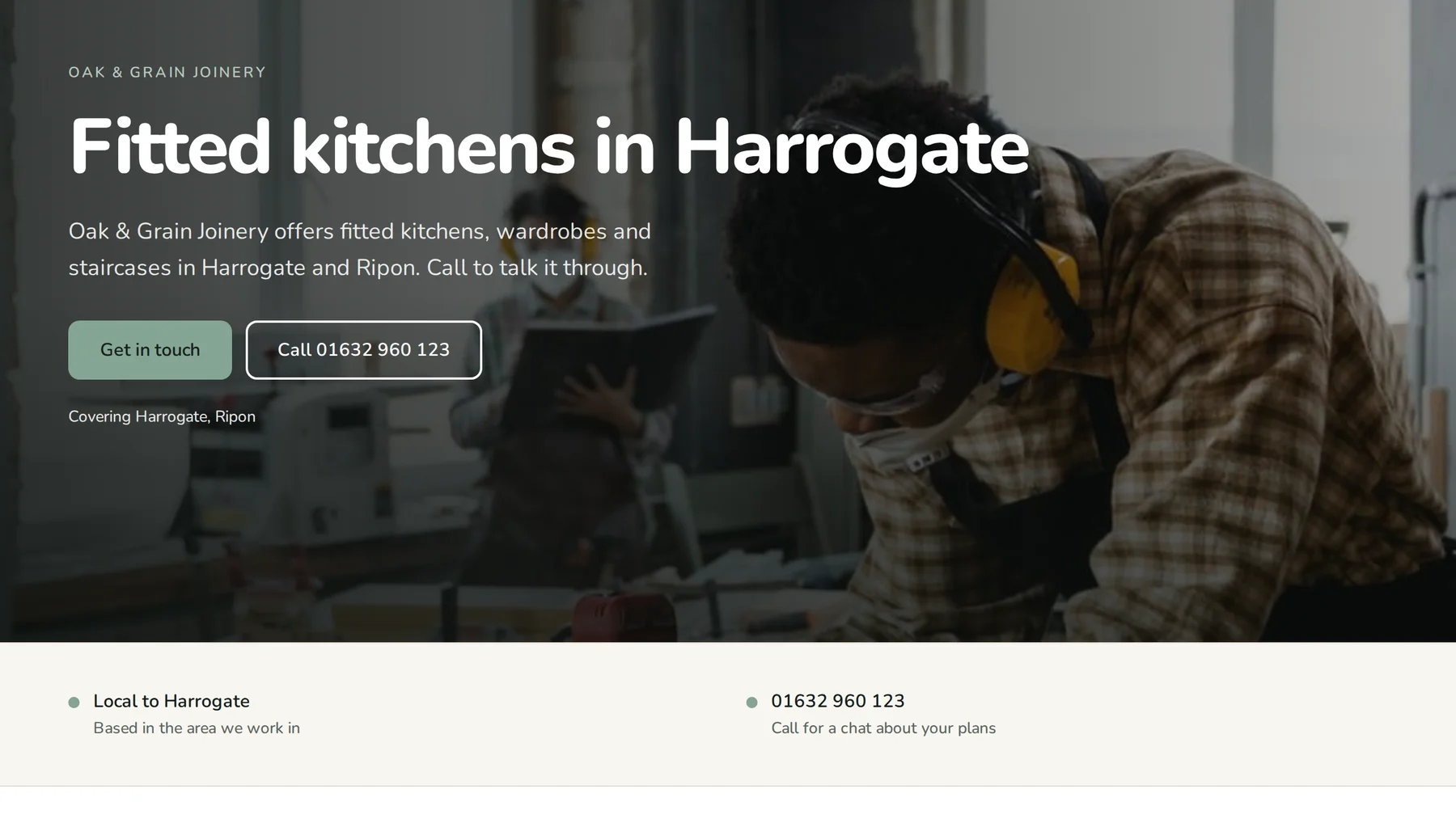
The Oak & Grain Joinery homepage, for a made-up business, on a desktop screen

4

Go live

Our UK team checks your pages, details and photos with you, then we agree the day your website goes live.

Keep it moving with Grow

Each month we prepare your posts and updates, you approve them, and we publish.

Start with your business name

Nothing goes live until you say so.

Scroll to Top